
Google Business Profile Suspended? Why It Happens and How to Get It Back
A suspended Google Business Profile disappears from Maps and the calls stop. Here are the guideline breaks that cause most suspensions, what to fix before you appeal, the evidence Google asks for, and the exact appeal steps, because you only get one try.
One morning the calls stop. You search your business name on Google Maps and it is gone, or it shows a warning in your dashboard. Your Business Profile has been suspended.
For a local business that lives on Maps, this is an emergency. The good news is that most suspensions trace back to a short list of guideline breaks, and Google runs an appeal process to fix them. The catch is in Google's own appeal page: appeals can only be submitted once. So the order matters. Find the cause, fix it, gather the right evidence, then appeal.
One honest caveat up front: Google does not publish exactly what triggers each suspension. Everything below on rules and appeals comes from Google's own Business Profile guidelines and help pages. Where I add something from community experience rather than Google's documents, I say so.
Three examples run through this guide: a plumbing company that travels to customers, a dental practice with a front door patients walk through, and a consultant who works from home. Each one breaks the rules in a different way.
What a suspension looks like
Google's help page says it may suspend or disable Business Profiles that do not follow its guidelines. In practice, owners see one of two things: the profile vanishes from Maps and Search, or it stays visible but they lose the ability to manage it. The appeals tool is the place to see what actually happened. For each decision it shows the date, the reason, a link to the policy Google says you broke, whether the decision can be appealed, and its status.
There is a bigger version too. If your whole Google account is restricted, Google says your Business Profiles are suspended and you cannot create or claim other profiles. That needs a different first step, covered below.
Before you change anything, open the appeals tool and read the reason Google gives. It tells you which policy to look at, which saves you guessing.
The most common causes, straight from Google's guidelines
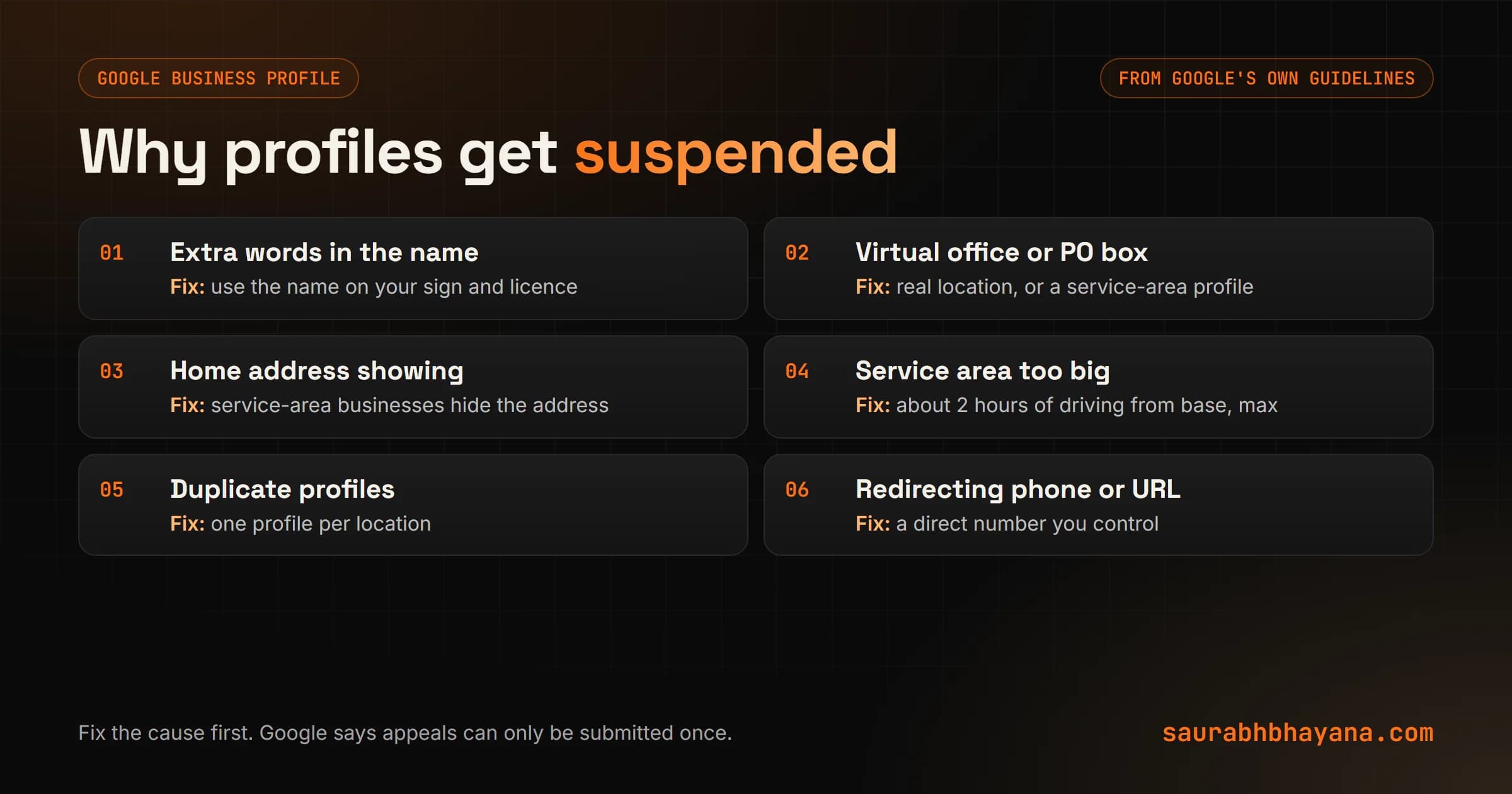
Google's Business Profile guidelines are long, but the breaks that cause trouble cluster around a few rules. Check your profile against each one.
| Problem | What Google's guidelines say | The fix |
|---|---|---|
| Extra words in the business name | Your name should reflect your real-world name; taglines, service descriptions and location details are not permitted | Use the name on your sign, licence and registration, nothing added |
| Virtual office or PO box | Virtual offices are not eligible; PO boxes and remote mailboxes are not acceptable | Use a real location where you meet customers, or set up as a service-area business |
| Home address showing on a service-area business | Service-area businesses should hide their address from customers | Hide the address and list the areas you serve |
| Service area too big | It should not extend farther than about 2 hours of driving time from your base | Trim the service area to where you actually work |
| More than one profile per location | Do not create more than one page for each location | Keep one profile and remove the duplicates |
| Phone or website that redirects | Numbers or URLs that redirect to other pages or numbers are not allowed; the number must be under your direct control | Use a direct local number and your own site |
| No sign at a shown address | Businesses with an address shown should keep permanent fixed signage of their name there | Put up a permanent sign, or hide the address if customers do not visit |
| Categories used as keywords | Choose the fewest categories that describe what the business is | One main category for what you are, a few extras only if true |
How the three examples get caught
- •The plumber names the profile Northside Plumbing, 24/7 Emergency Plumber Riverton and lists every town within 4 hours. Two guideline breaks: extra words in the name and a service area beyond about 2 hours of driving.
- •The dental practice opens a second profile for its cosmetic service at the same address. That is a duplicate profile for one location.
- •The consultant lists a virtual office address to look established. Virtual offices are not eligible. Working from home is fine as a service-area business with the address hidden.
The name on your profile should be the name on your sign. Every extra word is a risk.
Fix the cause before you appeal
This is the step people skip, and it is the one that costs them the profile. Google's appeals page says appeals can only be submitted once. If you appeal while the problem is still on the profile, there is nothing for the reviewer to approve.
- 1.Read the reason and the linked policy in the appeals tool.
- 2.Compare every field with Google's guidelines: name, address or service area, phone, website, categories, hours.
- 3.Correct anything that does not match the real world. Rename to the real business name, hide the home address, trim the service area, remove duplicates.
- 4.Check the account side too: who are the owners and managers on the profile? Remove anyone you do not recognise, such as a former agency.
- 5.Only then move to evidence and the appeal.
Do not create a new profile to get around the suspension. Google's help page says plainly not to create a new Business Profile for the same business.
The evidence Google asks for
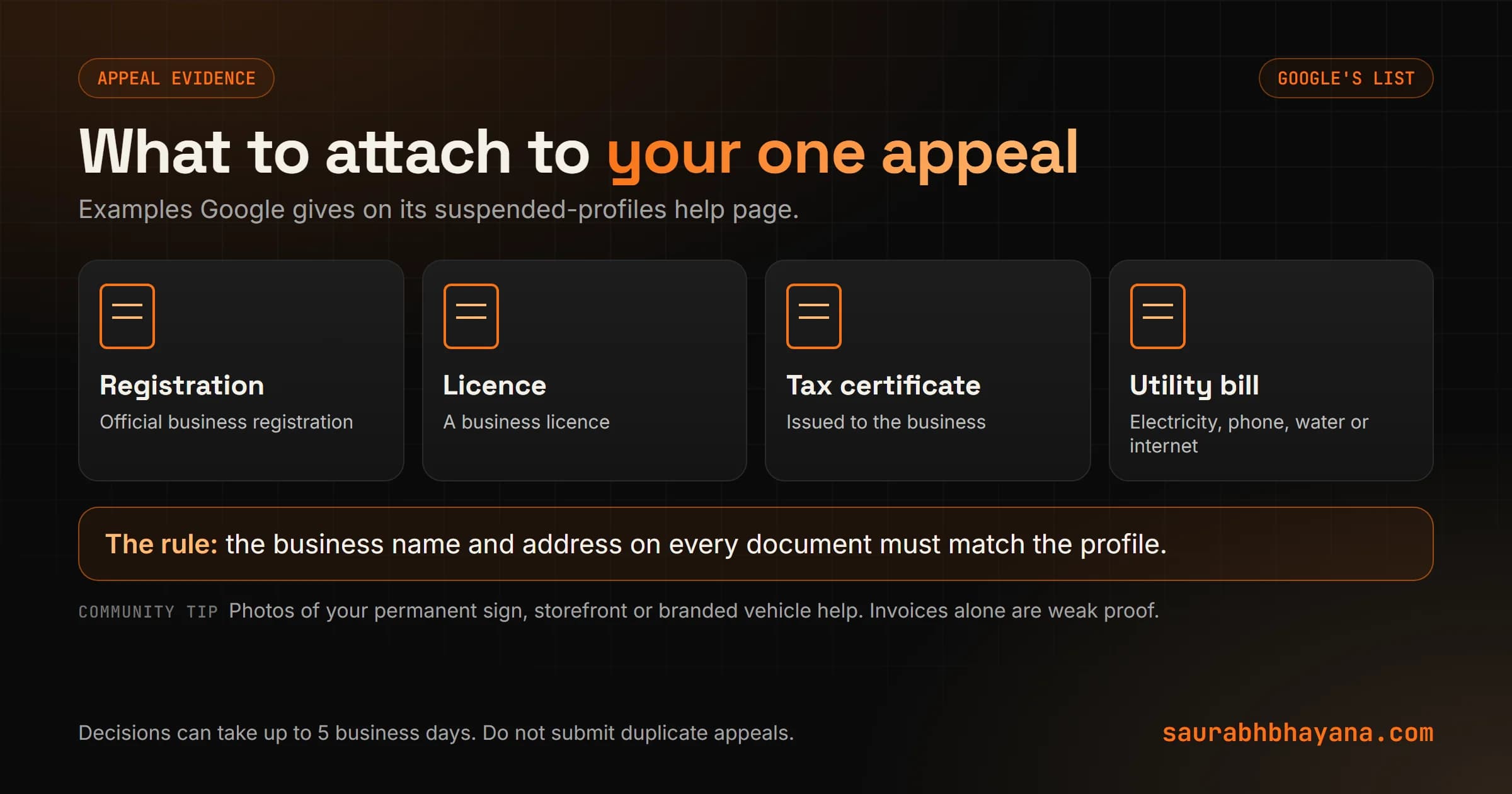
The appeals tool lets you upload files and explain your case. Google's help page gives these as examples of evidence:
- •Official business registration
- •A business licence
- •Tax certificates
- •Utility bills: electricity, phone, water or internet
Google adds one rule that sinks many appeals: check that the business name and address on your documents match the profile you are appealing. A licence under a different trading name, or a bill at a different address, works against you.
From community experience, not Google's documents: owners and volunteer experts in Google's Business Profile community often recommend adding clear photos of the permanent sign, the storefront or the branded work vehicle, and warn that invoices alone are weak proof. Community guides also mention a time limit on the evidence upload, so have every file ready before you open the form.
How to appeal, step by step
These are the steps on Google's Fix suspended or disabled profiles page.
- 1.Open the Google Business Profile appeals tool.
- 2.If you are signed in to the Google account that manages the profile, select Confirm. If not, select Switch account.
- 3.Select the Business Profile and then Continue.
- 4.Select the decision you want to appeal and then Continue. Read the reason and the policy link once more.
- 5.Upload your evidence with Choose file, and use the text box to explain, briefly and factually, what you fixed and why the profile meets the guidelines.
- 6.Tick the confirmation box and select Submit appeal.
EXAMPLE APPEAL TEXT (plumbing company)

Northside Plumbing LLC is a licensed plumbing company based at
[address], serving customers at their homes. We have:
- changed the profile name to our registered name, Northside Plumbing,
  removing the added service words
- hidden our base address, as we travel to customers
- reduced our service area to towns within about 2 hours of our base

Attached: state contractor licence and LLC registration (both under
Northside Plumbing LLC at the address above) and a utility bill for
the same address.
Keep it short. State what the business is, what you changed, and what each attachment proves. A reviewer reads many of these. Make yours easy to approve.
After you submit
- •Wait. Google says appeal reviews and decisions can take up to 5 business days, and you get an email with the decision.
- •Do not submit another appeal for the same issue while you wait. Google asks you not to.
- •If it is approved, Google says it reinstates both the profile and its owner and managers.
- •If it is denied, Google says an additional review may be possible. Use the contact form linked on its help page, with evidence you did not include the first time.
- •In the UK and EEA, Google's page notes extra options, including referring an appeal to an out-of-court dispute settlement body.
If your whole Google account is restricted
When the restriction is on the account rather than one profile, Google says to submit a reason and appeal on your My accounts page, where you can also track it. Only after the account restriction is lifted can you appeal the profile suspension with the steps above. Appealing the profile first gets you nowhere.
How to avoid a suspension in the first place
- 1.Use your real business name, exactly as it appears on your sign and registration.
- 2.Pick the right setup: a storefront address if customers visit you, or a service-area profile with the address hidden if you go to them.
- 3.Keep your service area within about 2 hours of driving from your base.
- 4.Keep one profile per location and a direct local phone number you control.
- 5.Review who has owner and manager access every few months, and remove people who no longer need it.
- 6.From community experience: make big changes such as a new name or address one at a time, with matching updates on your website and listings, rather than all at once.
A clean, accurate profile is also the foundation for ranking, which I cover in my Google Business Profile ranking guide, and it is what your reviews attach to, which is why I keep a separate guide on getting more Google reviews without breaking the rules.
If your profile is suspended and you want a second pair of eyes before you spend your one appeal, that is part of the Local SEO and Google Business Profile work my team does. Tell me what happened and I will tell you what I would fix first.
Frequently asked questions
Why was my Google Business Profile suspended?+
Google says it may suspend or disable profiles that do not follow its guidelines. Common causes include extra words in the business name, a virtual office or PO box address, a visible home address on a service-area business, a service area beyond about 2 hours of driving, duplicate profiles and redirecting phone numbers. The appeals tool shows the reason Google gives.
How do I get my Google Business Profile reinstated?+
Fix whatever breaks the guidelines first, then use the Google Business Profile appeals tool: confirm your account, select the profile and the decision, upload evidence such as a business licence or utility bill that matches the profile, explain what you fixed and submit the appeal.
How long does a Google Business Profile appeal take?+
Google says appeal reviews and decisions can take up to 5 business days. You receive an email with the decision, and you should not submit multiple appeals for the same issue in the meantime.
Can I appeal a Google Business Profile suspension more than once?+
Google's help page says appeals can only be submitted once. If the appeal is denied, an additional review may be possible through Google's contact form with evidence you did not include originally.
What documents does Google accept for a Business Profile appeal?+
Google lists official business registration, a business licence, tax certificates and utility bills such as electricity, phone, water or internet. The business name and address on them should match the profile you are appealing.
Should I create a new Google Business Profile if mine is suspended?+
No. Google says not to create a new Business Profile for the same business. Fix the existing profile and appeal instead.
Can a home-based business have a Google Business Profile?+
Yes, if it travels to customers or meets them in person. Set it up as a service-area business and hide the home address, as Google's guidelines say service-area businesses should. Virtual offices and PO boxes are not eligible.
Read next
My team and I automate the work that eats your hours with AI, and get your business found on Google, Maps and in AI answers.