8 API Design Rules Senior Backend Developers Follow
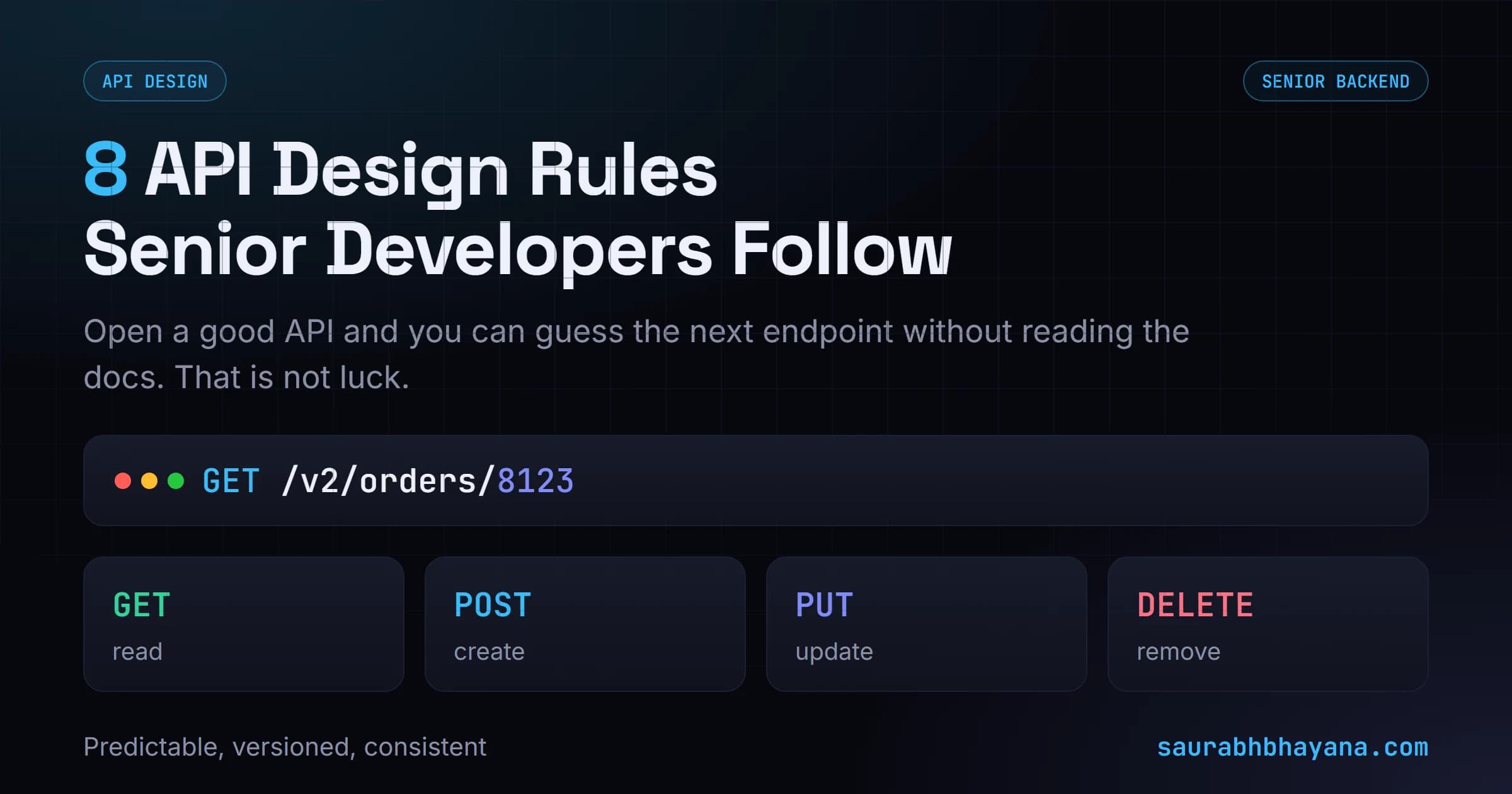
Open a good API and you can guess the next endpoint without reading the docs. That is not luck. It is eight design rules, explained simply with before and after examples.
Open an API you have never used before. Without reading a single line of documentation you already know that GET /v2/orders/8123 returns one order, that DELETE on the same URL removes it, and that a 404 means it was never there. None of that is luck. It is a handful of rules the API followed, and they are the whole difference between an API people can guess and one they have to keep looking up.
Here are the eight rules senior backend developers follow, explained in plain English with a before and after for each. You do not need to be building an API to get value from this, understanding these makes you faster at using any API too. One honest caveat first: these are conventions, not laws. A team can break one on purpose for a good reason. But break them by accident and every developer who touches your API pays for it.
Rule 1: Design around things, not actions
The most common mistake is naming endpoints after what you do (verbs) instead of what you act on (nouns). Your API has things in it: users, orders, products. Those are your resources. The URL should name the thing, and the HTTP method should say what you are doing to it.
| Avoid (actions) | Prefer (resources) |
|---|---|
| POST /getOrders | GET /orders |
| POST /createOrder | POST /orders |
| POST /deleteOrder | DELETE /orders/8123 |
The fix: think in nouns. Ask what the thing is (an order), then let the method carry the verb. One resource name, four methods, and you have covered read, create, update and delete without inventing a new URL for each.
Rule 2: Make URLs predictable
Once you name things well, keep the pattern the same everywhere. A collection lives at a plural noun, and a single item lives at that noun plus its id. If /orders is the list, then /orders/8123 is one order, and /orders/8123/items is the items inside that order. A developer who learns one endpoint can now guess the rest.
GET    /orders            list all orders
GET    /orders/8123       get one order
GET    /orders/8123/items items in that order
POST   /orders            create an order
The fix: pick one shape (plural nouns, id after the noun, nesting for things that belong to a parent) and never deviate. Predictable beats clever. If a caller has to look up how you spelled one endpoint, the pattern is broken.
Rule 3: Use HTTP methods for their real purpose
HTTP already gives you verbs. Use them for what they mean, and callers instantly understand your API. Hiding a delete inside a GET, or doing everything through POST, throws away information that is free.
| Method | Means | Example |
|---|---|---|
| GET | Read, changes nothing | GET /orders/8123 |
| POST | Create something new | POST /orders |
| PUT / PATCH | Update an existing thing | PATCH /orders/8123 |
| DELETE | Remove a thing | DELETE /orders/8123 |
GET must be safe to repeat. A GET should never change data, because browsers, caches and crawlers will call it again on their own. If clicking a link deletes something, the method is wrong. That is one of the oldest and most expensive API bugs there is.
The fix: match the method to the intent. Reading is GET, creating is POST, updating is PUT or PATCH, removing is DELETE. If you find yourself putting a verb in the URL, the method is probably doing the wrong job.
Rule 4: Make status codes actually useful
The status code is the first thing a caller reads, before they even look at the body. A well chosen code lets them handle the response correctly without parsing anything. Returning 200 OK for everything, then hiding the real result in the body, forces every caller to dig for what already should have been obvious.
- •2xx it worked: 200 OK, 201 Created (after a POST), 204 No Content (after a DELETE).
- •4xx the caller was wrong: 400 Bad Request (bad data), 401 Unauthorized (not logged in), 403 Forbidden (logged in, not allowed), 404 Not Found.
- •5xx the server was wrong: 500 Internal Server Error, 503 Service Unavailable.
401 versus 403 trips people up. 401 means we do not know who you are, log in. 403 means we know who you are, and you still cannot do this. Getting these right saves your users a lot of confusion.
The fix: return the code that matches reality. Success is a 2xx, the caller's mistake is a 4xx, your server's failure is a 5xx. That single number tells the caller whether to fix their request, log in, or just retry later.
Rule 5: Keep error responses consistent
When something fails, the caller has to handle it. If every endpoint returns errors in a different shape, they have to write different handling for each one. Pick one error shape and use it everywhere, so a caller writes the failure code once and it works for the whole API.
{
  "error": {
    "code": "order_not_found",
    "message": "No order exists with id 8123."
  }
}
The fix: define one error object (a machine-readable code, a human-readable message) and return it from every endpoint. A stable code lets the caller branch on it in software; the message helps the developer reading the logs. Never leak a raw stack trace, it tells attackers about your internals and tells the caller nothing useful.
Rule 6: Not everything belongs in the path
The path names the resource. Everything that filters, sorts or pages through that resource belongs in the query string, after the question mark. Stuffing filters into the path creates a new URL for every combination and makes the API impossible to guess.
| Avoid (path) | Prefer (query) |
|---|---|
| GET /orders/paid/page/2 | GET /orders?status=paid&page=2 |
| GET /orders/sortedByDate | GET /orders?sort=date |
| GET /users/active/premium | GET /users?status=active&plan=premium |
The fix: the path answers which resource, the query answers which subset of it. Keep /orders as the one endpoint, and let ?status=, ?sort= and ?page= shape the result. One endpoint handles every filter combination instead of hundreds of hardcoded URLs.
Rule 7: Treat API changes carefully
The moment another app depends on your API, you cannot freely change it. Rename a field or remove one, and every app calling that endpoint breaks in production without warning. This is the difference between a hobby project and an API other people build on.
The answer is versioning. Put a version in the URL (/v1/orders) and treat each version as a promise: an existing version never changes what it returns. When you need to make a breaking change, you ship it as /v2/ and leave /v1/ alone until callers move over.
A published API is a promise. v1 keeps working exactly as it did, and anything that would break it goes into v2. That promise is what lets other people build on you.
The fix: version from day one, and only ever add to an existing version, never change or remove. Adding a new optional field is safe. Renaming or removing one is a breaking change, and breaking changes go in a new version.
Rule 8: Keep names and formats consistent
This is the smallest rule and the one that quietly makes an API feel professional. Pick your conventions once and apply them everywhere. If one endpoint returns order_id and another returns orderID, callers have to remember which is which, and they will get it wrong.
- •One casing for field names: snake_case (order_id) or camelCase (orderId), not both.
- •One date format everywhere: ISO 8601 (2026-09-15T10:30:00Z) is the safe default.
- •The same field name for the same idea across every endpoint: id is always id, not sometimes _id.
The fix: write your conventions down and hold every endpoint to them. Consistency is what lets a developer learn your API once and then trust their instincts everywhere else in it.
The short version
A great API is a guessable one. Name resources with nouns and let the method be the verb. Keep URLs predictable, use HTTP methods and status codes for their real meaning, return one consistent error shape, put filters in the query string, version so you never break callers, and keep every name and format consistent. Follow these eight and a developer can open your API and know how it works before they read a word of the docs.
If you are still getting comfortable with the basics behind these rules, start with how REST APIs work and how the methods and status codes fit together.
Frequently asked questions
What are the most important API design rules?+
Design URLs around resources (nouns like /orders) not actions, use HTTP methods for their real purpose (GET reads, POST creates, PUT updates, DELETE removes), return the correct status code, keep error responses in one consistent shape, put filters in query parameters, version your API so changes do not break callers, and keep naming and date formats consistent everywhere. Together these make an API predictable.
Should API endpoints use nouns or verbs?+
Nouns. The URL should name the resource (/orders, /users/5) and the HTTP method should carry the action. So you use GET /orders to read and DELETE /orders/5 to remove, not POST /getOrders or POST /deleteOrder. The method is already the verb, so putting a verb in the URL duplicates it and makes the API harder to guess.
What is the difference between a 401 and a 403 status code?+
401 Unauthorized means the server does not know who you are, you are not logged in or your token is missing or invalid, so log in and try again. 403 Forbidden means the server knows who you are but you are not allowed to do this action. 401 is about identity; 403 is about permission.
Where should filters and pagination go in an API?+
In query parameters, after the question mark, not in the URL path. The path names the resource (/orders) and the query string filters, sorts and pages through it (/orders?status=paid&sort=date&page=2). This keeps one endpoint handling every combination instead of creating a separate URL for each.
Why do APIs need versioning?+
Because once other apps depend on your API, changing a field or removing one breaks them in production. Versioning (like /v1/ and /v2/ in the URL) lets you treat each version as a fixed promise: an existing version never changes what it returns, and breaking changes ship as a new version while the old one keeps working until callers move over.
Is REST API design the same as system design?+
They overlap but are not the same. API design is about the interface: URLs, methods, status codes, error shapes and versioning, the rules in this article. System design is broader, covering databases, caching, scaling and how services fit together. Good API design is one part of good system design, and it is often where interviews start.
Read next
I build fast, SEO-ready sites and rank them on Google and AI search. Or join my free community and grow alongside other website owners.